


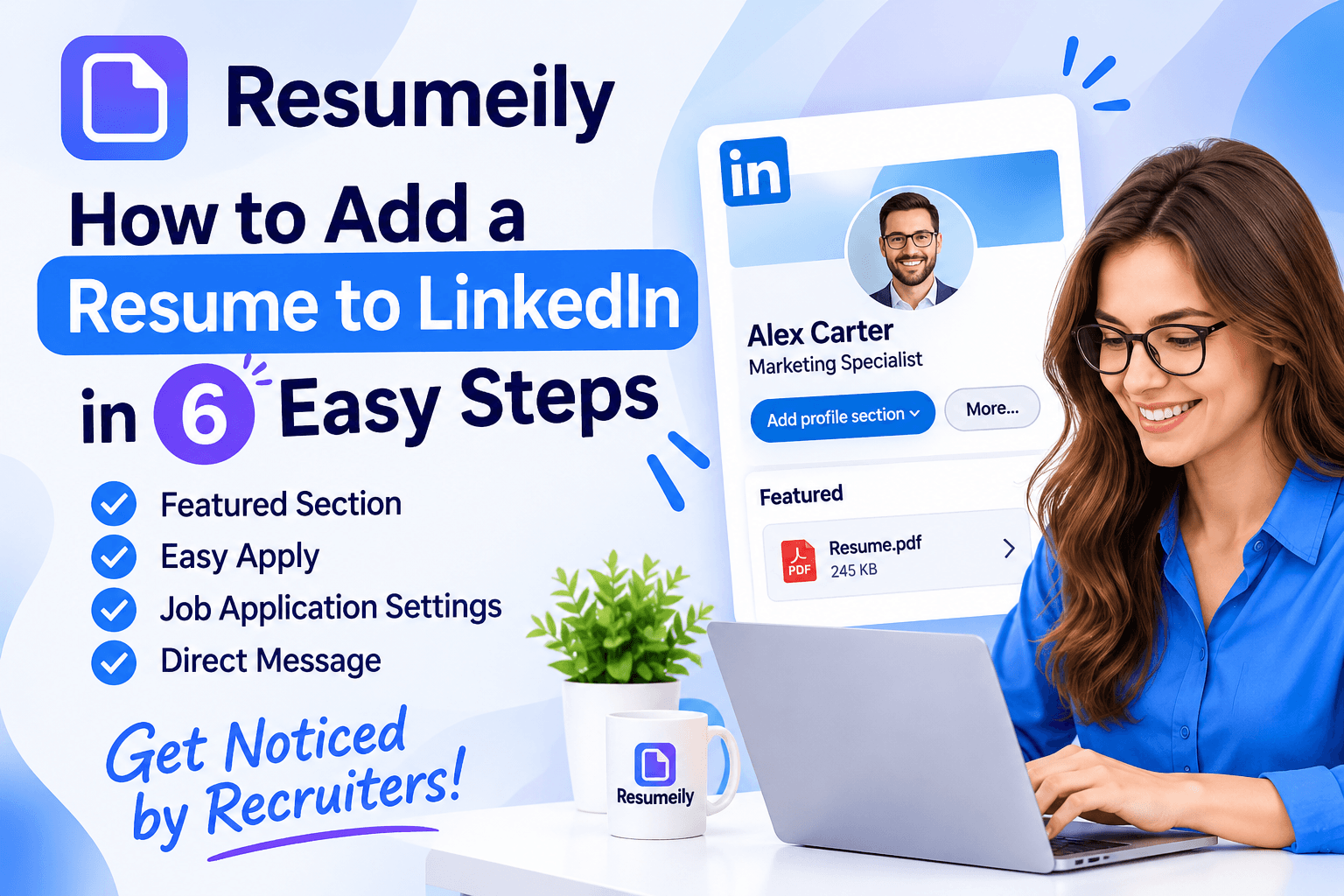
Applying for jobs on LinkedIn becomes easier when recruiters can quickly access your experience and qualifications. However, many job seekers aren't sure where to upload their resume or how to make it visible on their profile.
Learning how to add a resume to LinkedIn can help you present your professional background, support job applications, and make it easier for recruiters to review your qualifications.
LinkedIn offers several ways to share your resume, including the Featured section, job application settings, and direct messages. Here's how each method works.
How to Add a Resume to Your LinkedIn Profile in 6 Easy Steps
Adding your resume to LinkedIn helps recruiters learn more about your professional experience, skills, and qualifications. LinkedIn provides several ways to upload and share your CV, whether you want to display it on your profile or attach it to job applications.
Follow these six simple steps to upload your resume, make it accessible to recruiters, and manage your job applications more effectively.
1. How to Add a Resume to LinkedIn Profile Using the Featured Section
The Featured section lets you display documents, links, and other work samples directly on your LinkedIn profile. It's a useful option when you want recruiters and profile visitors to access your CV.
Follow these steps:
- Open LinkedIn and sign in to your account.
- Click Me and select View Profile.
- Scroll to the Featured section.
- Click the Add profile section button if Featured isn't visible.
- Select Recommended and choose Add Featured.
- Click the plus (+) icon and select Add media.
- Upload your resume in PDF format.
- Add a clear title and description, then save.
Example: A digital marketing professional could name the document "Digital Marketing Resume – SEO & Partnerships" so recruiters immediately understand their experience.
2. How to Upload Resume to LinkedIn Through Easy Apply
LinkedIn Easy Apply allows job seekers to submit applications without visiting a company's external careers page. You can upload your resume during the application process.
Here's how:
- Open LinkedIn and click Jobs.
- Search for your preferred job title and location.
- Select a job marked Easy Apply.
- Click Easy Apply to begin.
- Enter the requested contact and employment details.
- Upload your resume when prompted.
- Review the information and submit your application.
LinkedIn may also save uploaded resumes for future applications, depending on your account settings and the application flow.
Tip: Use a job-specific resume instead of sending the same document to every employer. For example, highlight SEO results when applying for an SEO Executive role and partnership experience when applying for a Partnership Manager position.
3. How to Save Resume on LinkedIn for Future Job Applications
Repeatedly uploading your CV can slow down your job search. LinkedIn may allow you to manage previously uploaded resumes through its job application settings.
To check:
- Open Settings & Privacy.
- Navigate to Data Privacy.
- Look for Job application settings.
- Review the available resume management options.
- Upload or remove saved resumes where the options are available.
LinkedIn's interface can change, so the exact settings may vary. Review your saved documents periodically and remove outdated versions.
4. How to Share Resume on LinkedIn Through a Direct Message
Sometimes, a recruiter or hiring manager asks you to send your CV directly. You can attach your resume to a LinkedIn message.
- Open the recruiter's LinkedIn profile.
- Click Message.
- Start a short, professional message.
- Select the attachment icon.
- Choose your resume file and send it.
Keep your message brief and mention the position you're interested in. Avoid sending unsolicited attachments to people who haven't requested your resume.
5. LinkedIn Resume Tips to Improve Your Job Search
Uploading a resume is only one part of presenting yourself professionally. Apply these tips to make your LinkedIn profile more useful to recruiters:
- Use a professional headline: Include your job title, specialization, or relevant skills.
- Complete your About section: Summarize your experience, achievements, and career goals.
- Add measurable achievements: Mention results such as increased organic traffic or improved conversion rates.
- Use a clear resume filename: Try
FirstName_LastName_Resume.pdf. - Keep your information consistent: Match your resume's job titles, dates, and skills with your LinkedIn profile.
- Update your profile regularly: Remove outdated information and add recent projects or certifications.
6. Manage Your Job Applications With a Job Tracker
Uploading your CV helps you apply, but managing multiple applications can become difficult. You might forget application dates, miss recruiter follow-ups, or lose track of interview schedules.
A job application tracker helps you organize these details in one place.
Manage Your Job Search After You Add a Resume to LinkedIn
Resume uploads help you apply, but tracking your applications is equally important. You might forget follow-up dates, miss interview updates, or lose track of applications across different companies.
Resumeily's Job Application Tracker helps you organize your job search, record application details, and monitor progress in one place.
Instead of relying on scattered spreadsheets or notes, you can maintain a clearer record of your applications and follow-ups.
Conclusion
Knowing how to add a resume to LinkedIn helps recruiters access your qualifications and gives your job applications a professional presentation. Use the Featured section for profile visibility, Easy Apply for submitting applications, and job application settings to save resumes for future use.
Keep your CV updated, customize it for relevant positions, and track every application. These simple habits can help you manage your job search with greater confidence.