

Browse our collection of professionally designed resume templates to make your job application stand out
Showing 15 templates
All templates are free · ATS-optimized
-1.svg)
Two-column layout with sidebar, clean and recruiter-friendly
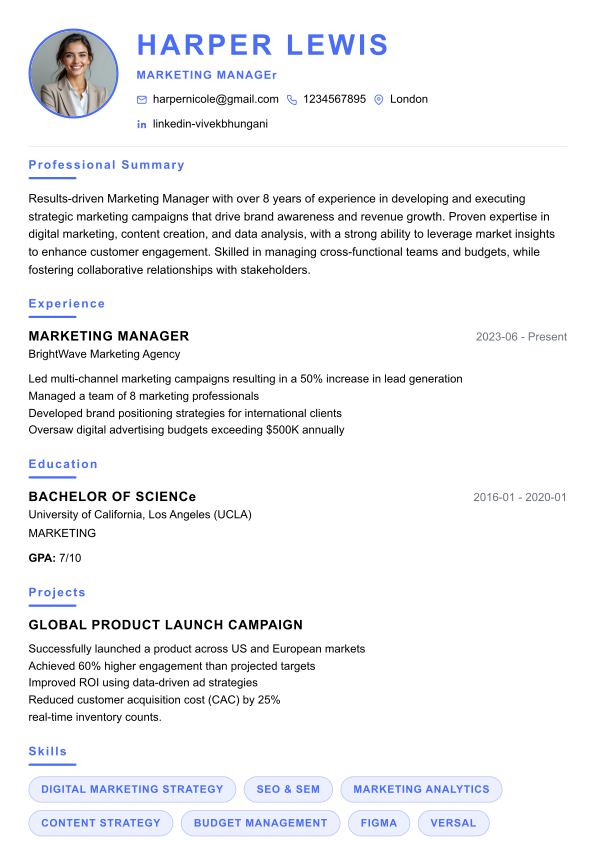
Clean single-column layout, ideal for traditional roles
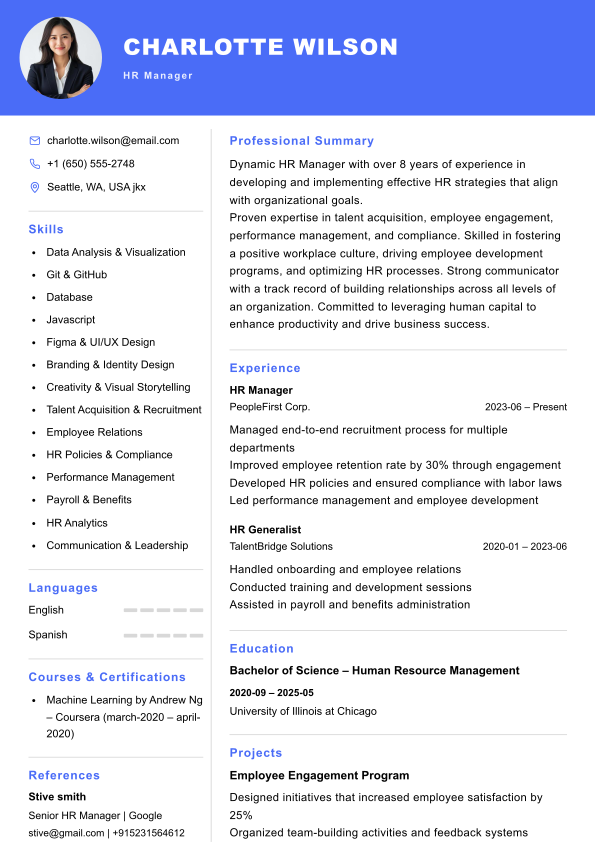
Balanced two-column layout with header and accent highlights
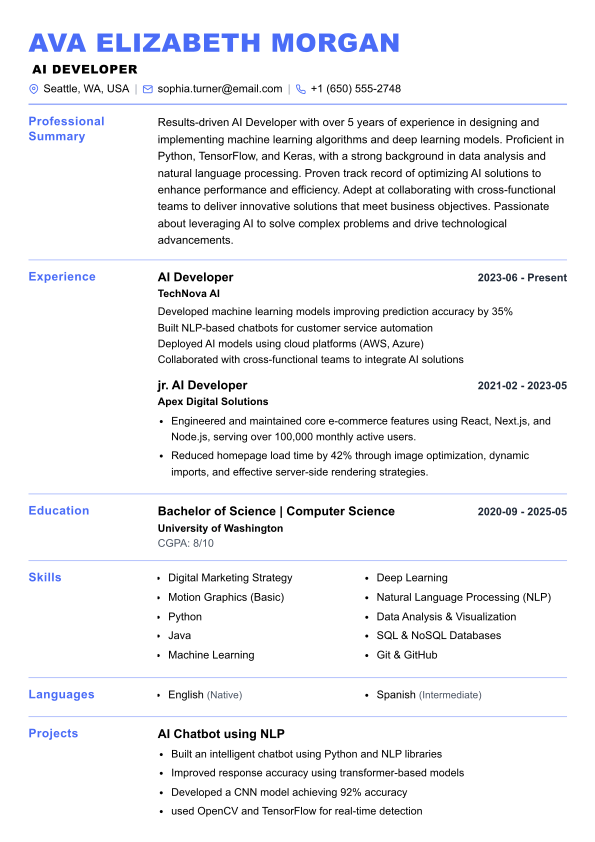
Structured executive layout with clear section labels
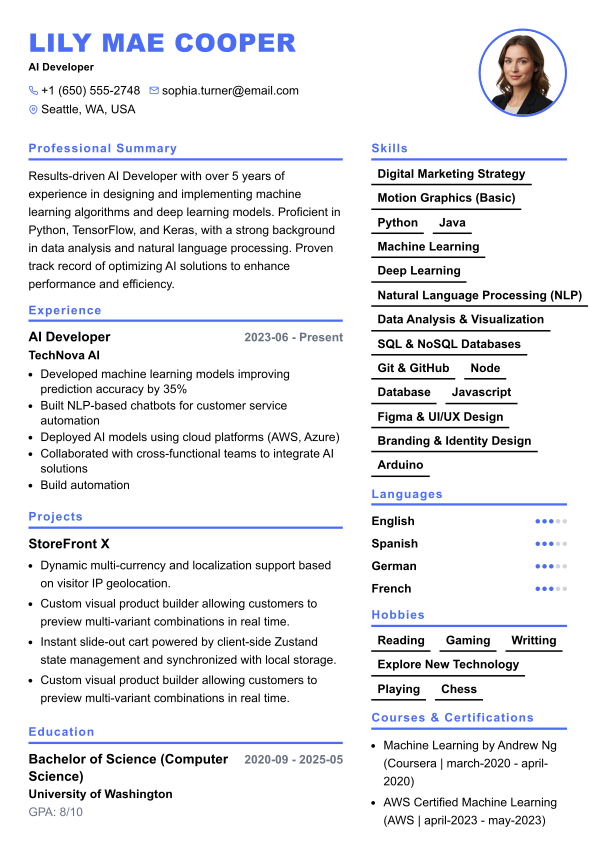
Modern two-column design inspired by premium ATS templates
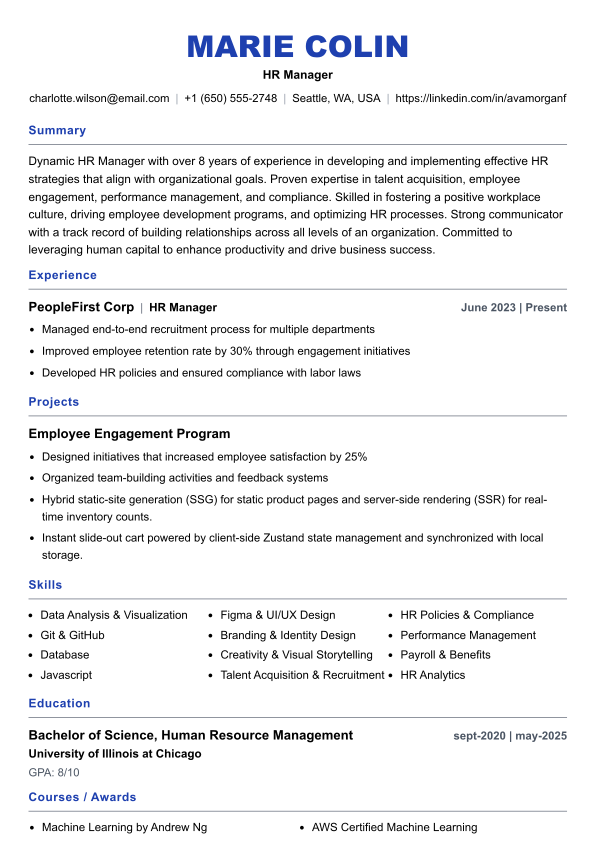
Clean design, ideal for freshers and software engineers
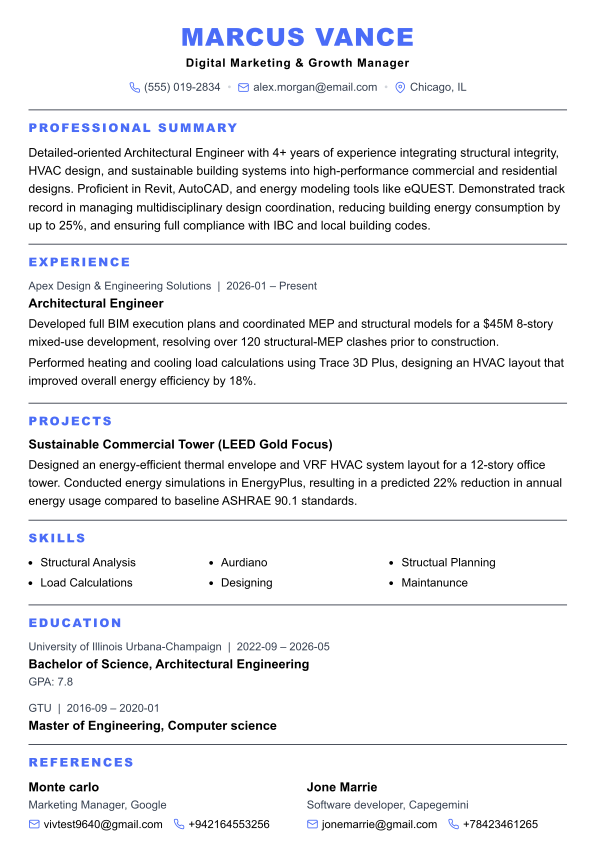
Refined single-column layout for traditional, formal roles
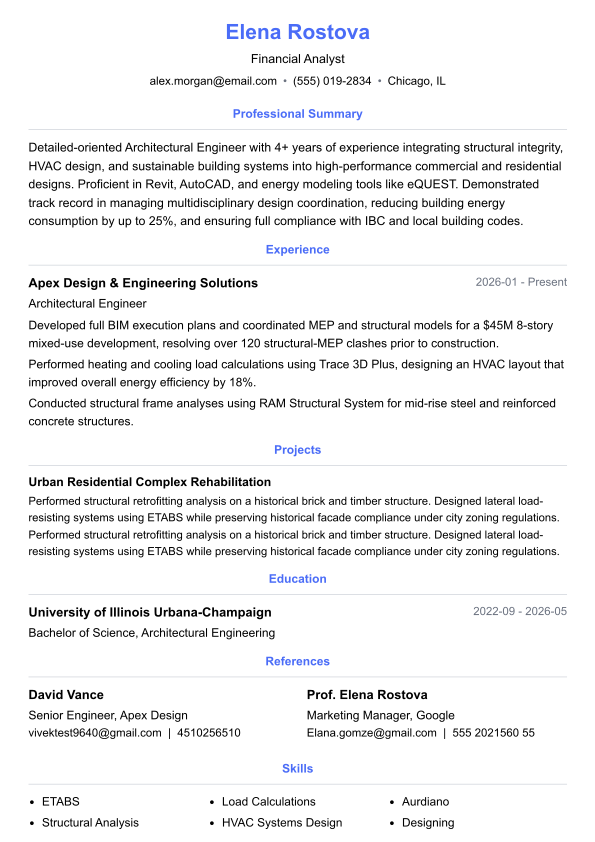
Centered executive layout with a signature Key Achievements grid
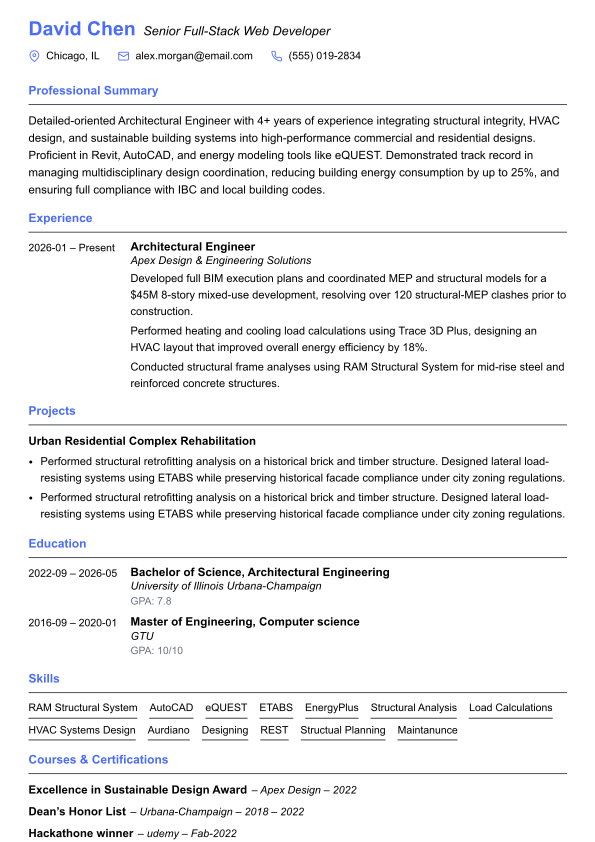
Left-aligned layout with icon contact grid and dot-style skill indicators

Two-column sidebar layout with icon-labeled sections and a dot-style language rating
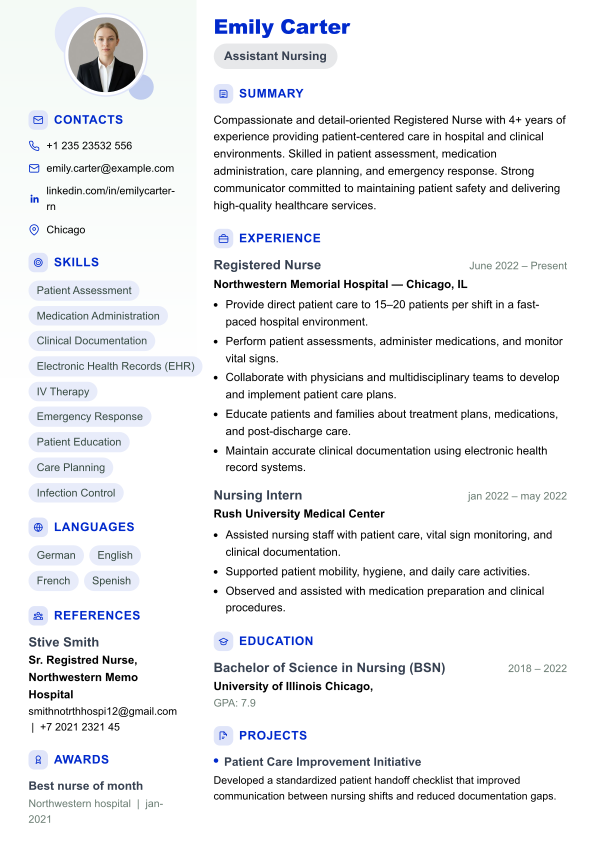
Green-accented sidebar layout with a circular profile photo and a bulleted Key Achievements highlight block
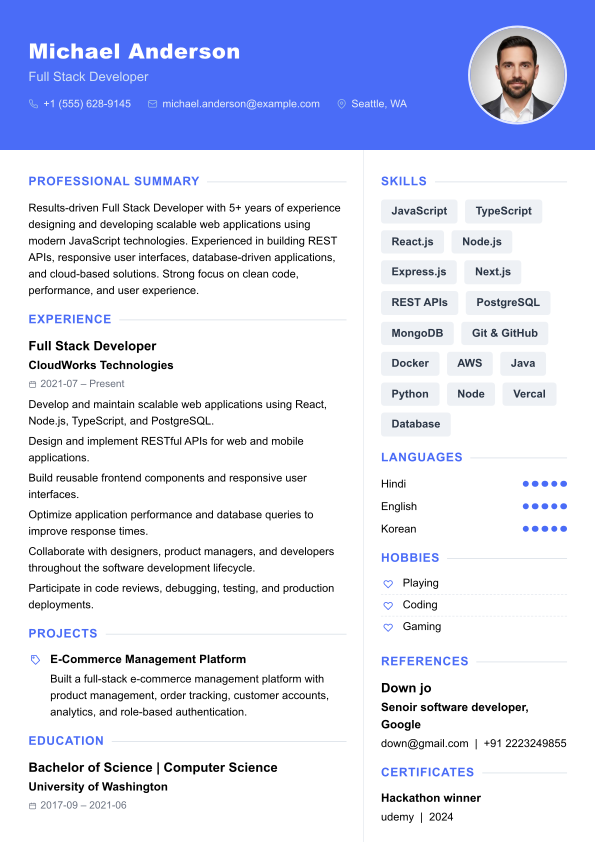
Full-width navy header banner with a circular profile photo and an icon-led Key Achievements / Passions highlight list
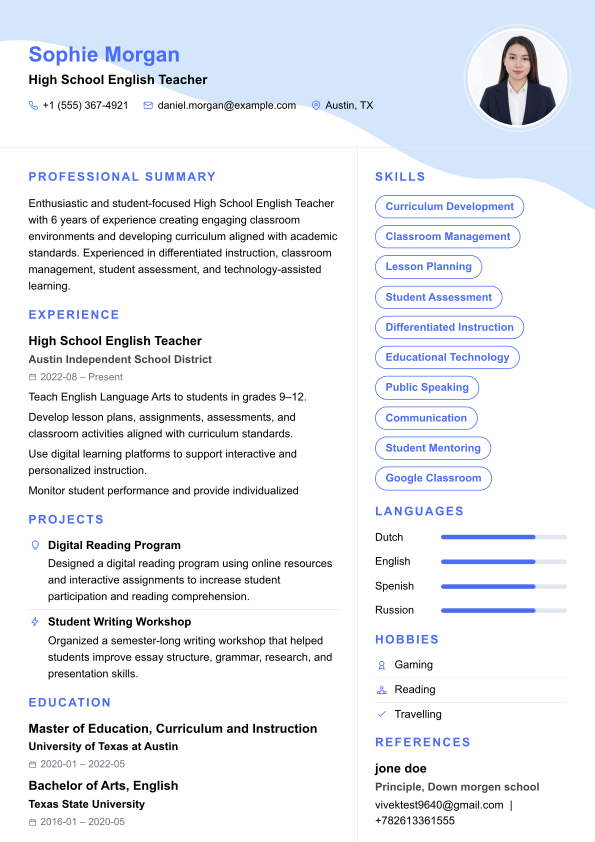
Light header with a circular profile photo, soft geometric corner accents, and a Languages progress-bar sidebar block
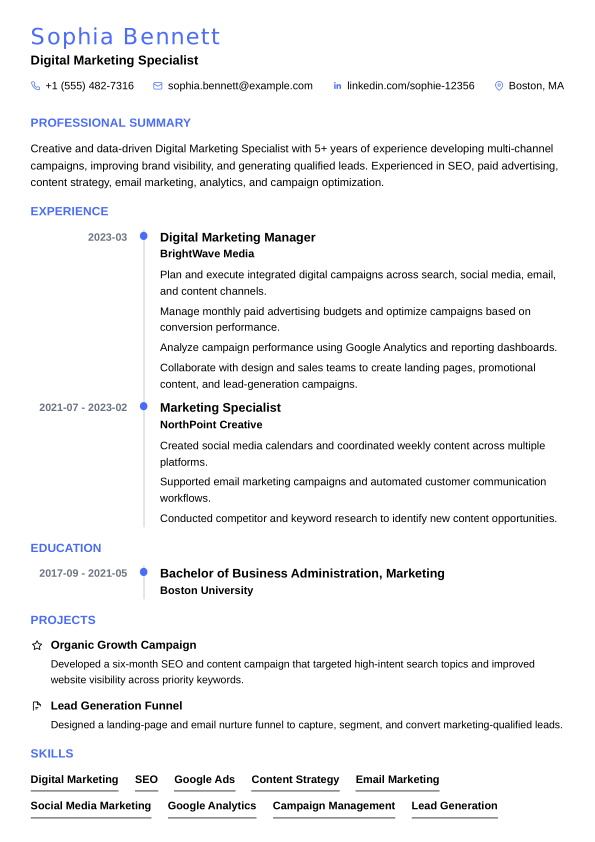
Single-column layout with a connected timeline down Experience and Education, and a two-column Key Achievements grid
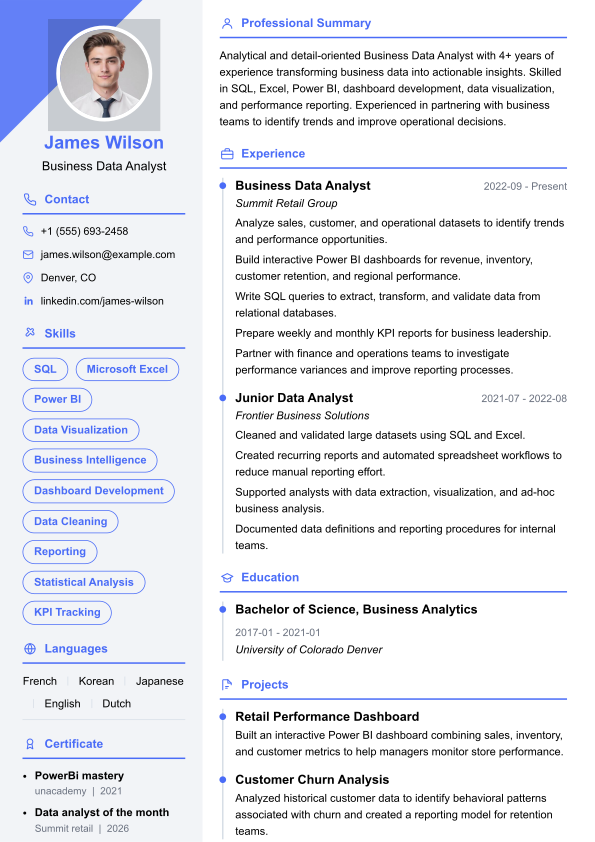
Light gray sidebar with a diagonal corner accent behind a circular photo, and dot-marker entries in the main column
Two-column layout with sidebar, clean and recruiter-friendly
Clean single-column layout, ideal for traditional roles
Balanced two-column layout with header and accent highlights
Structured executive layout with clear section labels
Modern two-column design inspired by premium ATS templates
Clean design, ideal for freshers and software engineers
Refined single-column layout for traditional, formal roles
Centered executive layout with a signature Key Achievements grid
Left-aligned layout with icon contact grid and dot-style skill indicators
Two-column sidebar layout with icon-labeled sections and a dot-style language rating
Green-accented sidebar layout with a circular profile photo and a bulleted Key Achievements highlight block
Full-width navy header banner with a circular profile photo and an icon-led Key Achievements / Passions highlight list
Light header with a circular profile photo, soft geometric corner accents, and a Languages progress-bar sidebar block
Single-column layout with a connected timeline down Experience and Education, and a two-column Key Achievements grid
Light gray sidebar with a diagonal corner accent behind a circular photo, and dot-marker entries in the main column
All Resumeily templates are ATS-tested and recruiter-reviewed. Filter by style, industry, or file format to find the perfect match.
Clean, single-column layouts optimized to pass Applicant Tracking Systems at top companies. No graphics, tables, or complex formatting — just powerful content in a recruiter-approved structure.
Contemporary designs with subtle accents and clean typography. Perfect for tech, marketing, and startup roles where a fresh look shows initiative without sacrificing professionalism.
Timeless, conservative designs trusted by executives and senior professionals. Structured to present years of experience clearly and credibly to hiring committees and C-suite decision-makers.
Minimal formatting lets your content speak. Single-column, high readability, maximum whitespace. Ideal for candidates in academia, research, healthcare, and any field where substance matters most.
Visually distinctive templates for creative professionals. Graphic designers, art directors, photographers, and brand managers use these to make a strong first impression. Note: use only when ATS is not a concern.
Download editable resume templates for Microsoft Word or Google Docs. Perfect for users who prefer editing offline or need to submit in DOCX format. All formatting is preserved on download.
Match the template style to the industry. Finance and law call for conservative, single-column designs. Tech and marketing are more receptive to modern layouts. Creative roles can use visually distinctive templates.
Over 97% of Fortune 500 companies use ATS software. Choose a template with clean formatting — no tables, graphics, or multi-column layouts — unless you are submitting directly to a human or via LinkedIn.
Switch templates with one click in Resumeily without losing your content. Experiment with different styles and use our ATS checker to verify your chosen template before applying.
PDF preserves your formatting and is accepted by most ATS systems. Download as DOCX only if the employer specifically requests it. Resumeily supports both formats.